How to Add Tick Chart Data

Oct 13, 2012

Written by:
Al Hill

✓ Reviewed by Kunal Vakil, Co-Founder of TradingSim · Updated Mar 31, 2026

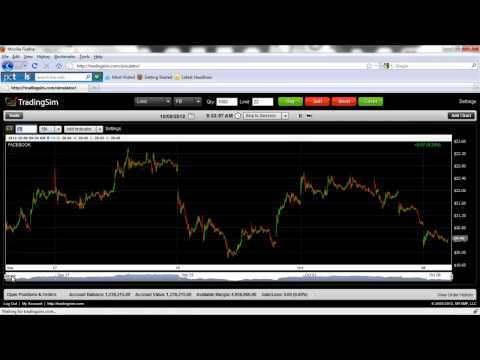
Video shows how to add data to a chart in order to view more historical tick data without using the calendar feature. By adding more data to your chart, it allows you to see intraday data on one screen back to the first day in our database. We are one of the few platforms to offer months of tick data to our clients.


Tags:

About the Author

Al Hill

Al Hill

Co-Founder & CEO, TradingSim

Alton Hill is the Co-Founder of TradingSim with over 18 years of trading experience. He completed the Design Thinking Bootcamp at Stanford’s D.School and brings expertise in Product Development to create the best trading simulation experience. His strategy focuses on trend-following systems, targeting high-volatility stocks with strong primary trends using the 15-minute chart.

View all posts by Al Hill →

How to Use CANSLIM to Pick Explosive Stocks

How to Use CANSLIM to Pick Explosive Stocks CAN SLIM investing is a certain investment strategy for stocks that was developed by William O’Neil, the co-founder of Investor’s Business Daily (IBD). CAN...

How to Create a Motif?

How to Create a Motif Are you interested in learning how to create a motif? Well, in this article we are going to walk you through step-by-step how to set one up. Let’s first cover the background of...

How to Add a Chart

Video shows how to add an additional chart to the desktop for the purposes of monitoring open positions, tracking potential opportunities and comparing stocks to other equities and/or ETFs. Watch...